Skip to content
Smart Alerting Hub

Smart Alerting Hub

Unified multi-channel alert routing for WHMCS events
ManagementWHMCSv1.0.0
Newly Listed
Smart Alerting Hub banner 1
Smart Alerting Hub banner 2
Smart Alerting Hub banner 3

Smart Alerting Hub is the central notification system for your WHMCS installation. Route 26 types of invoice, ticket, order, service, client, network, and admin events to email, Slack, Telegram, Discord, WhatsApp, SMS, PagerDuty, or custom Webhooks — all managed from a unified dashboard, with per-channel subscriptions and channel health monitoring at a glance.

Multi-channel routing

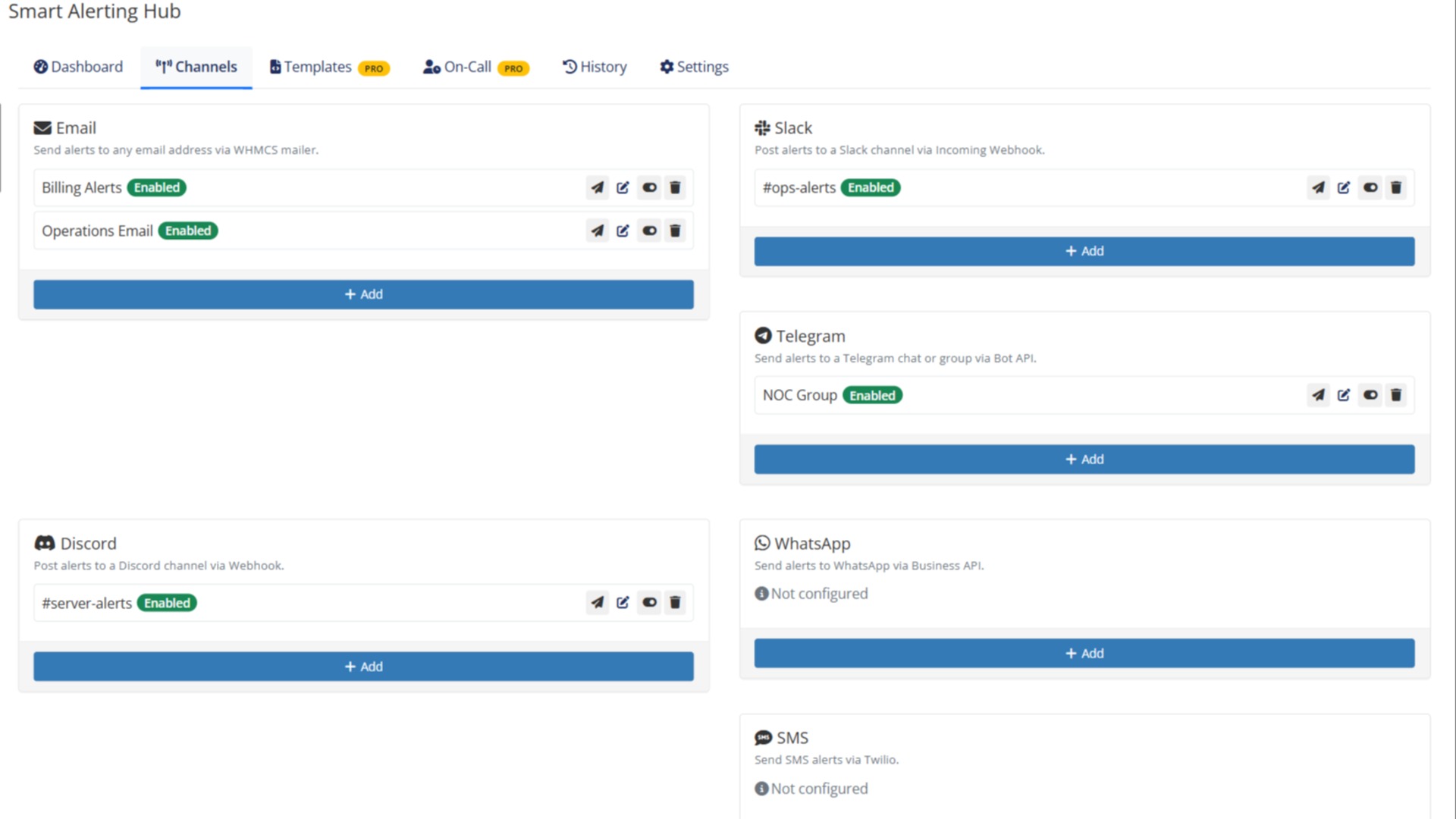
Stop juggling separate email plugins, Slack apps, and Webhook scripts. Smart Alerting Hub gives you one place to configure 8 delivery channels and decide which events go where. Each channel has its own subscription list, so the billing team gets invoice events, the ops team gets server events, and on-call gets only the critical ones.

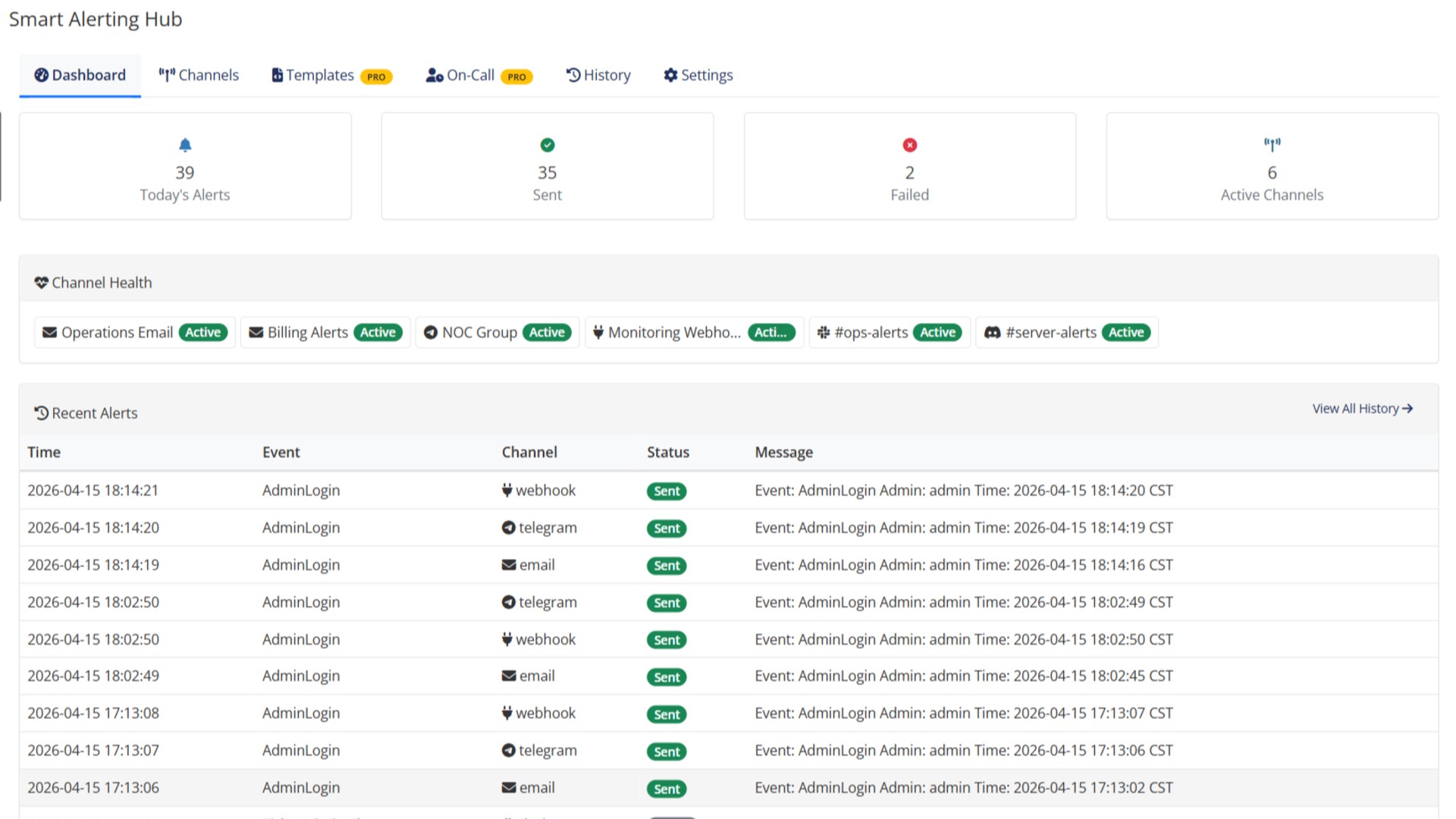
Configure event-to-channel routing visually, test deliveries with a single click, and watch the dashboard light up with delivery success rates per channel — so you notice when a Webhook quietly broke, instead of finding out after a customer complains.

Noise control built in

Alert fatigue kills response time. Smart Alerting Hub deduplicates repeated events within configurable cooldown windows, so a flapping service doesn't spam your team with 200 messages. Schedule mute / silence periods for planned maintenance, and the hub holds back notifications until the window ends.

Alert digests batch low-priority events into hourly or daily summary messages, keeping noisy channels readable without losing visibility on what happened.

On-call rotation

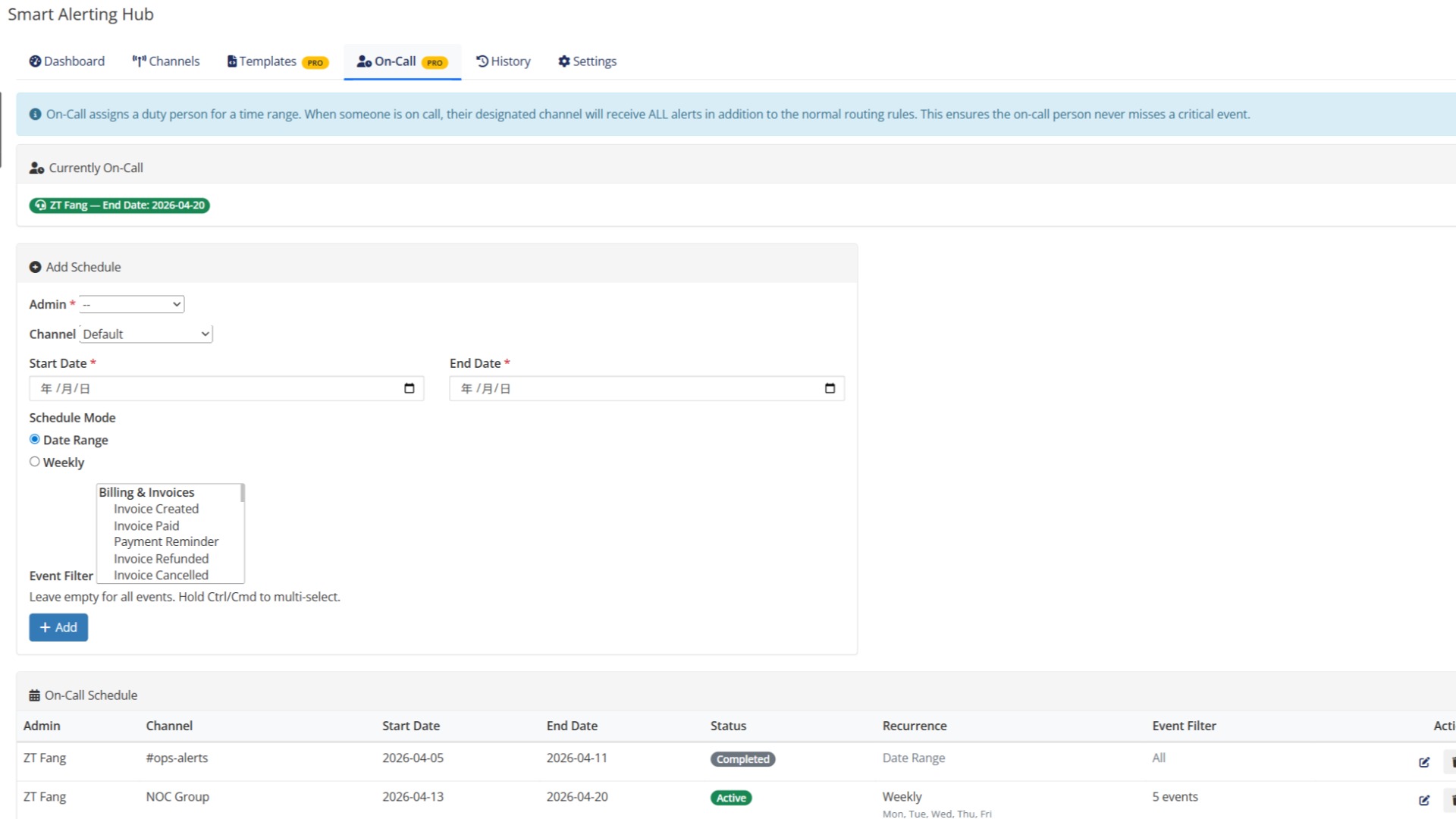
Build weekly on-call schedules with rotating teams, each receiving a filtered subset of events that match their responsibility. When a critical event fires, only the person on duty gets paged — not the entire team. Schedule overrides handle vacations and shift swaps without manual reconfiguration.

Custom messaging

The default templates work out of the box, but every business speaks differently. Override templates per channel and per event type — a Slack message can be terse with mentions, while the same event sent to email can include full context and links. Templates support all event variables for true personalization.

Reliable delivery & history

Every alert is logged with delivery status, retry attempts, and channel response. Failed deliveries surface in the dashboard so you can investigate before the next outage. History retention is configurable, giving you the audit trail you need for incident reviews.

Requirements

WHMCS Minimum

8.6

PHP Minimum

8.1

ionCube Required

No